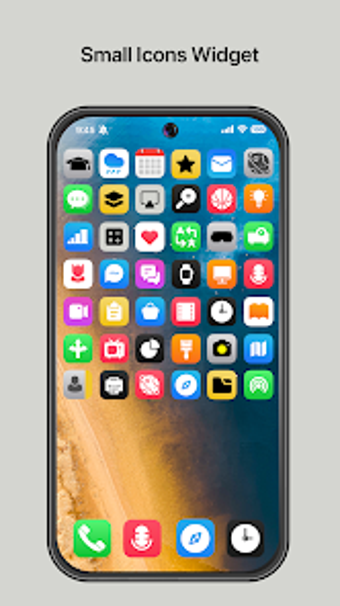
Efficient App Access with Small Icons Widget
Small Icons Widget is a free Android application designed to enhance user experience by providing quick access to installed applications directly from the home screen. This personalization tool eliminates the need to navigate through the app drawer, allowing users to find and open their desired apps swiftly. The main feature of this widget is its ability to display all installed apps in a compact format, making it easy to organize and access frequently used applications.
To integrate the Small Icons Widget into your home screen, users simply need to follow a straightforward process. By long-pressing an empty area on the home screen, selecting ‘Widgets,’ and then choosing the Small Icons Widget, users can customize its size and position according to their preferences. This functionality caters to various device brands, although the exact steps may differ slightly. Overall, Small Icons Widget streamlines app accessibility, making it a practical addition for Android users.